

JazzCash & easypaisa Business Guide Pakistan
Mobile wallets have changed how Pakistan pays. This complete guide shows you how to set up JazzCash and easypaisa merchant accounts, accept payments safely, and use them to win more customers.
 Finance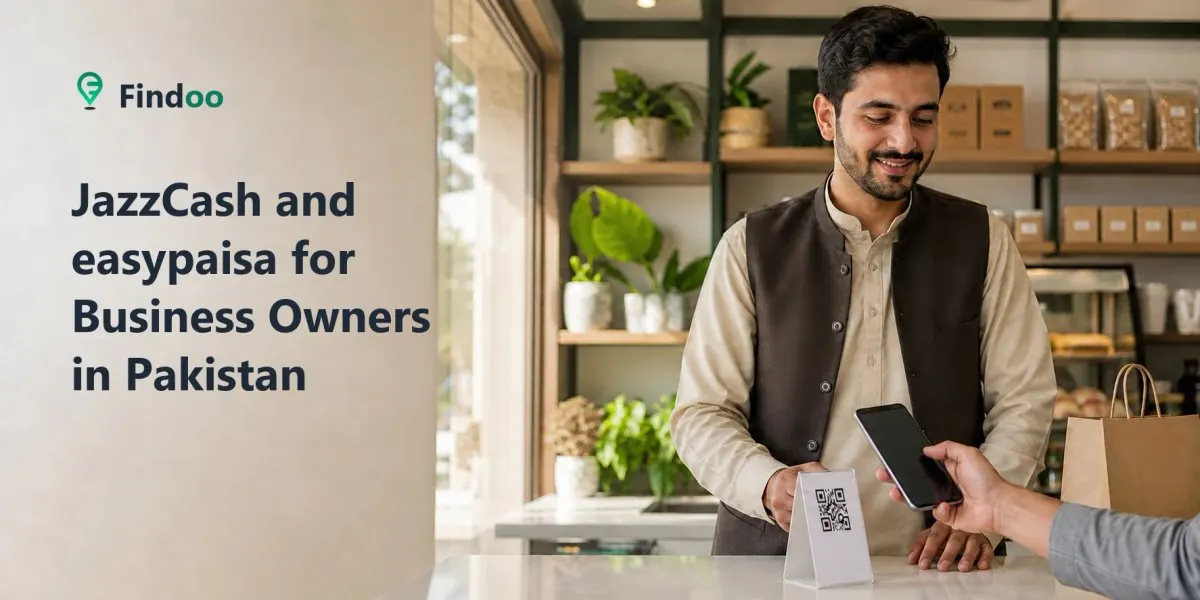
Digital payments are becoming increasingly important in Pakistan, although cash remains widely used. Customers may prefer to pay through JazzCash, easypaisa, bank applications, Raast or merchant QR codes—particularly when ordering online or when they do not have enough cash available.
For a customer-facing business, offering suitable digital-payment options can reduce checkout friction, limit the amount of cash kept on the premises and make remote orders easier to complete. Digital payments also introduce different risks, however, so every business needs a reliable method for verifying transactions and protecting its payment accounts.
This guide explains how JazzCash and easypaisa business accounts work, how to follow their current merchant-onboarding processes and how to accept payments more safely.
Accuracy note: Wallet features, fees, transaction limits, verification requirements and onboarding procedures can change. This guide was reviewed against official provider and State Bank information on 23 August 2026. Confirm current requirements directly with the provider before registering or making business decisions.
Digital payments in Pakistan
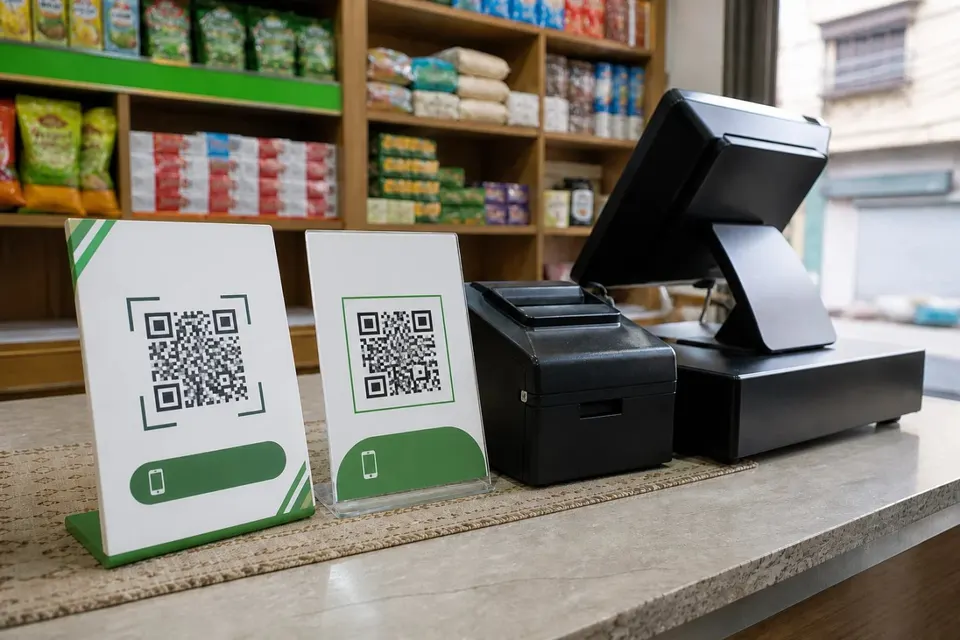
Pakistan’s digital-payment ecosystem includes branchless-banking wallets, banking applications, electronic-money institutions, merchant QR payments and the State Bank of Pakistan’s Raast instant-payment system.
State Bank payment-system reporting shows continued growth in account-, wallet- and QR-based transactions. Its Q3 FY26 review reported increasing QR-enabled merchant payments while noting that bank branches and branchless-banking agents remained important parts of the financial system.
Businesses should therefore think of digital payments as an additional customer convenience—not necessarily a complete replacement for cash.
Official source: State Bank of Pakistan Payment Systems Review, Q3 FY26
Why businesses should consider digital payments
They can prevent some cash-related lost sales
A customer who does not have enough cash may still be able to complete the purchase using a supported wallet, bank application or merchant QR code.
Supporting digital payments does not guarantee a sale, but it removes one possible barrier at checkout.
They can make remote orders easier
Home-based sellers and businesses accepting orders through WhatsApp can collect payment without requiring the customer to visit the premises.
Use an official merchant QR code or payment link where available. Avoid publishing a personal wallet number unnecessarily.
They reduce physical cash handling
Digital transactions can reduce the amount of cash stored at a counter or carried between locations.
They do not eliminate risk. Businesses still need to protect account access, verify transactions and watch for phishing, fake screenshots and mistaken payments.
They provide transaction records
Merchant accounts and dashboards can provide transaction histories that help businesses reconcile payments against orders and sales records.
These records do not automatically replace proper bookkeeping, tax records or professional accounting advice.
They give customers more choice
Customers may prefer different wallets or payment methods. Supporting more than one suitable option can make payment more convenient.
Businesses should choose payment methods based on customer demand, provider terms, fees, operational needs and their ability to manage each account securely.
Setting up a JazzCash Business Account
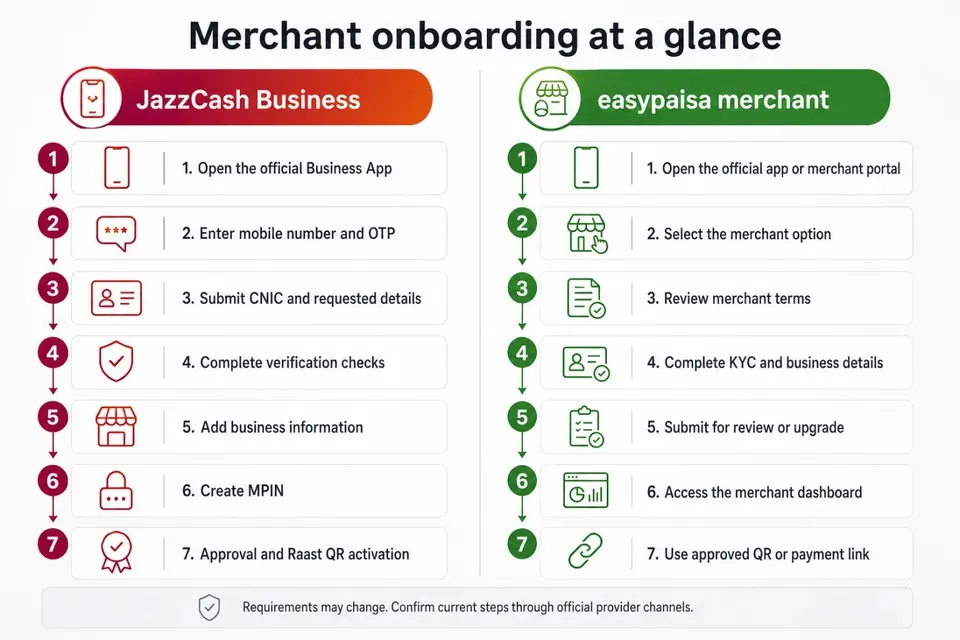
JazzCash currently promotes digital merchant onboarding through the JazzCash Business App.
The exact requirements can vary by business type, but the general process is:
Download or open the official JazzCash Business App.
Enter the mobile number that will be used for the business account.
Provide the requested identity and business information.
Submit a valid CNIC and any additional documents requested for the relevant business type.
Complete the applicable verification checks.
Wait for approval and account activation.
After activation, access the generated Raast QR and available business tools.
Do not assume approval is immediate. JazzCash states that basic onboarding may take only a few minutes, but final approval can depend on verification checks.
Use only the official application and JazzCash support channels. Check the provider’s current fees, account limits, settlement arrangements and terms before accepting customer payments.
Official source: JazzCash Business Account onboarding
Setting up an easypaisa merchant account
The official brand is written as easypaisa.
The available merchant flow and features may vary according to the business and service required. The general onboarding process described by easypaisa is:
Open the official easypaisa app or merchant portal.
Select the option to become an easypaisa merchant.
Review and accept the merchant terms.
Complete the required KYC and business information.
Submit the application for review or account upgrade.
After activation, access the merchant dashboard and available payment tools.
Use the approved merchant QR code or payment link to collect payments.
Official easypaisa business services include QR integrations, online payments, payment links, transaction history and merchant-management tools. Availability and requirements can differ by merchant type.
Do not promise customers a payment option until the relevant account has been approved and tested.
Official sources:
Should your business accept both?
Customers may prefer JazzCash, easypaisa, a banking application, Raast or cash. Accepting more than one appropriate method can reduce payment friction, but supporting every available method is not necessary for every business.
Before adding another account, consider:
How frequently customers request it
Merchant fees and settlement terms
Transaction and account limits
Refund and reversal procedures
Recordkeeping requirements
Staff training
Account-security responsibilities
Whether the provider supports the business’s sales model
If customers regularly request both JazzCash and easypaisa, accepting both may be worthwhile. If demand for one service is very low, a merchant QR or Raast option that supports broader payment access may be more practical.
How to accept mobile payments safely
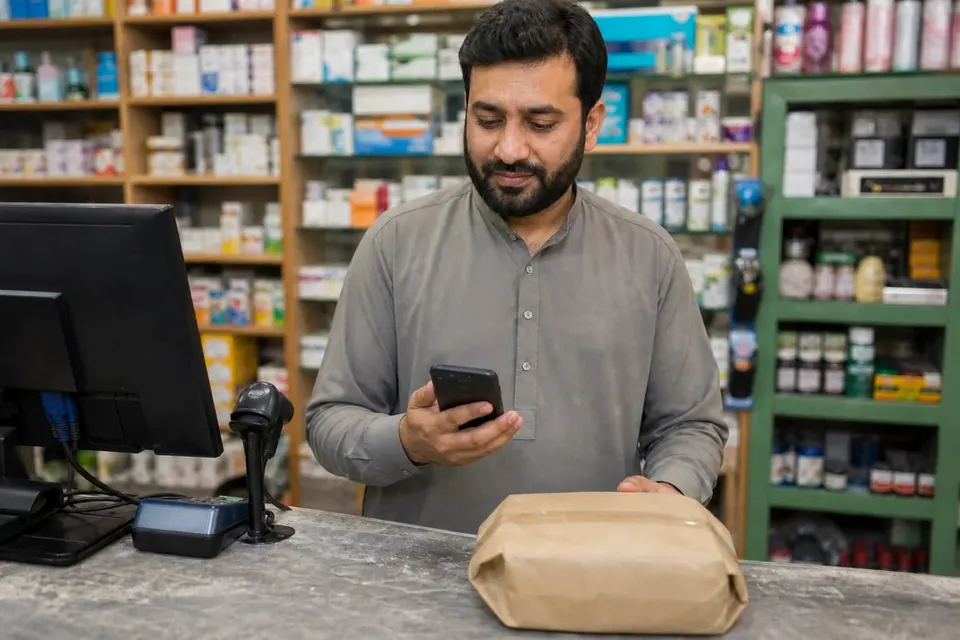
Verify transactions inside your own account
Do not rely on a screenshot, SMS shown on the customer’s phone or verbal confirmation.
Open your own merchant application, dashboard or transaction history and verify:
The transaction is present
Its status is successful or completed
The amount is correct
The transaction details correspond with the sale
Do this before releasing goods, dispatching an order or marking an invoice as paid.
Do not treat a notification alone as proof
A push notification or SMS can be delayed, misunderstood or imitated.
The authoritative record should be the completed transaction displayed inside your own official merchant account or dashboard.
Protect passwords, PINs and verification codes
Never share your:
Account password
Application PIN
One-time password
Verification code
Recovery information
Full CNIC image with an unverified person
Remote access to your phone or computer
A genuine customer does not need these details to pay you. Be cautious of callers or messages claiming they need a code to release a payment.
Use official applications and websites
Install applications only from official app-store listings linked by the provider. Check the website address before entering login or business information.
Avoid account-registration links sent by unknown people through social media or messaging applications.
Separate business and personal payments
Where appropriate, use a merchant or business account instead of a personal wallet for regular commercial activity.
This can make reconciliation clearer and may provide business-specific features, limits or payment tools. Review the provider’s current terms before deciding which account type is appropriate.
Reconcile transactions regularly
Use the merchant dashboard or transaction history as the primary payment record.
Match completed transactions with:
Customer orders
Invoices
Sales records
Refunds or reversals
Daily closing totals
Export statements where the provider supports that option. Do not rely primarily on screenshots as business records.
Consult a qualified Pakistani accountant or tax adviser for formal bookkeeping and tax requirements.
Establish a refund process
Before accepting digital payments, decide:
Who is authorised to approve refunds
How the original transaction will be verified
Which provider process will be used
How the refund will be recorded
How customers will be informed
Never send a refund solely because someone presents a screenshot. Confirm the original payment in your own transaction history first.
Display payment options responsibly
Tell customers which payment methods the business accepts, but avoid publishing sensitive or personal account information unnecessarily.
Safer options include:
Displaying an official merchant QR at the checkout
Sending an approved payment link directly to the customer
Showing accepted-payment icons on the business listing
Providing payment instructions after confirming an order
Using business-controlled contact information
If a QR code is displayed publicly, inspect it regularly to ensure it has not been covered or replaced with another code.
Staff should know which merchant name or account identifier customers should see before confirming payment.
Using digital payments throughout the customer journey
Digital payments work best as part of a complete customer experience.
A customer might:
Discover the business through a complete business listing.
Ask about a product through WhatsApp Business.
Receive an invoice, merchant QR or approved payment link.
Complete the payment.
Receive confirmation after the business verifies the transaction.
Leave an online review.
Every step should use consistent business names, prices and contact details. Conflicting information can make customers worry that a payment request is fraudulent.
Common mistakes to avoid
Trusting customer screenshots
A screenshot does not confirm that money reached your account. Check your own merchant transaction history.
Using personal wallets without reviewing the terms
A personal wallet may not be suitable for regular or higher-volume business activity. Review the provider’s merchant options, account limits and terms.
Publishing personal payment information everywhere
Tell customers which methods you accept, but prefer official merchant tools over publicly exposing a personal number.
Releasing goods before verification
Do not dispatch an order or complete a handover until the payment appears as completed in your own account.
Ignoring fees, limits and settlement arrangements
Check how much can be received, when funds become available and whether relevant charges apply.
Failing to reconcile transactions
A successful payment still needs to be connected with the correct customer, order and invoice.
Giving every employee full account access
Limit account access to authorised people. Give staff a clear verification process without unnecessarily sharing passwords or security credentials.
Frequently asked questions
What is the difference between a personal wallet and a merchant account?
A personal wallet is generally intended for individual transactions. A merchant or business account is designed for commercial payment collection and may include QR codes, payment links, dashboards, transaction histories, different limits or other business tools.
Features and terms vary by provider and account type. Check the current official documentation before registering.
Is it safe to accept JazzCash and easypaisa payments?
Digital payments can be accepted more safely when the business uses official merchant tools, protects its credentials and verifies every transaction inside its own account.
No payment method is risk-free. Do not rely on customer screenshots or disclose passwords, PINs or verification codes.
Is a CNIC required?
JazzCash states that a valid CNIC is mandatory for its business onboarding, with additional documents potentially required depending on business type.
easypaisa requires the applicable KYC and identity information for merchant onboarding. Verification procedures can change, so follow the current instructions shown in the official app or merchant portal.
Is biometric verification always required?
Do not assume that every merchant follows the same biometric-verification process.
The requirement may depend on the provider, account type, transaction, onboarding channel and current regulation. Follow the instructions presented through the official provider service.
Can home-based and online businesses use these services?
Potentially, yes. Eligibility and available features depend on the provider’s current merchant requirements and the nature of the business.
Home-based sellers should prefer approved merchant QR codes or payment links and verify payment before dispatching an order.
Should payment numbers be displayed on a public listing?
Usually, it is safer to state which payment methods the business accepts rather than publishing a personal wallet number.
Use an official merchant QR, approved payment link or business-controlled payment information where possible.
Should a business accept both JazzCash and easypaisa?
Accepting both can help if customers regularly request both services. The decision should also consider fees, account management, settlement terms and staff capacity.
The goal is to offer useful payment choices—not to open accounts that the business cannot monitor properly.
Make payments convenient and verifiable
Digital payments can make it easier for customers to buy from a local, online or home-based business. Their value depends on responsible implementation.
Choose payment services based on customer demand and provider terms. Use official merchant accounts, verify completed transactions in your own dashboard, protect account credentials and reconcile payments with sales records.
Finally, make sure customers can discover accurate information about your business. List your business free on Findoo, show the payment methods you accept and give customers a clear path from discovery to purchase.
Sources and further verification
Provider features, fees, limits and onboarding requirements may change after publication. Readers should confirm current information through official provider channels.
Comments
No comments yet. Be the first to share your thoughts.